
How to Generate Talking Videos withInfinite Talk AI

Upload Image or Video
Upload a clear image or source video you want to re‑animate.

Add Script and Audio
Paste a script or upload WAV/MP3 narration; we map phonemes and timing automatically.

Generate and Download
Generate, review a preview, then download MP4 ready for courses, ads, or social clips.
Example Videos · Infinite Talk AI
Create any kind of video with infinite talk - delivering studio-grade lip sync, natural expression, and multilingual publishing for the world's major languages.
Key Features — Infinite Talk AI
Whole-frame control
Audio drives lips, gaze, head turns, and posture together so motion stays in sync while identity stays stable.
Sparse-frame dubbing
Keyframes land on important beats; in‑between frames follow audio so performance feels smooth instead of robotic.
Temporal context windows
Overlapping windows carry motion across chunks, cutting seams and flicker on long videos.
Soft reference control
Reference strength adapts to the frame, keeping faces on‑model while head and body stay expressive.
Multi‑speaker pipelines
Drive several characters with separate audio tracks and masks in the same scene.
Clarity & style controls
Simple sliders and prompts adjust lip strength, expression range, and style without touching code.
Why Infinite Talk AI stands out
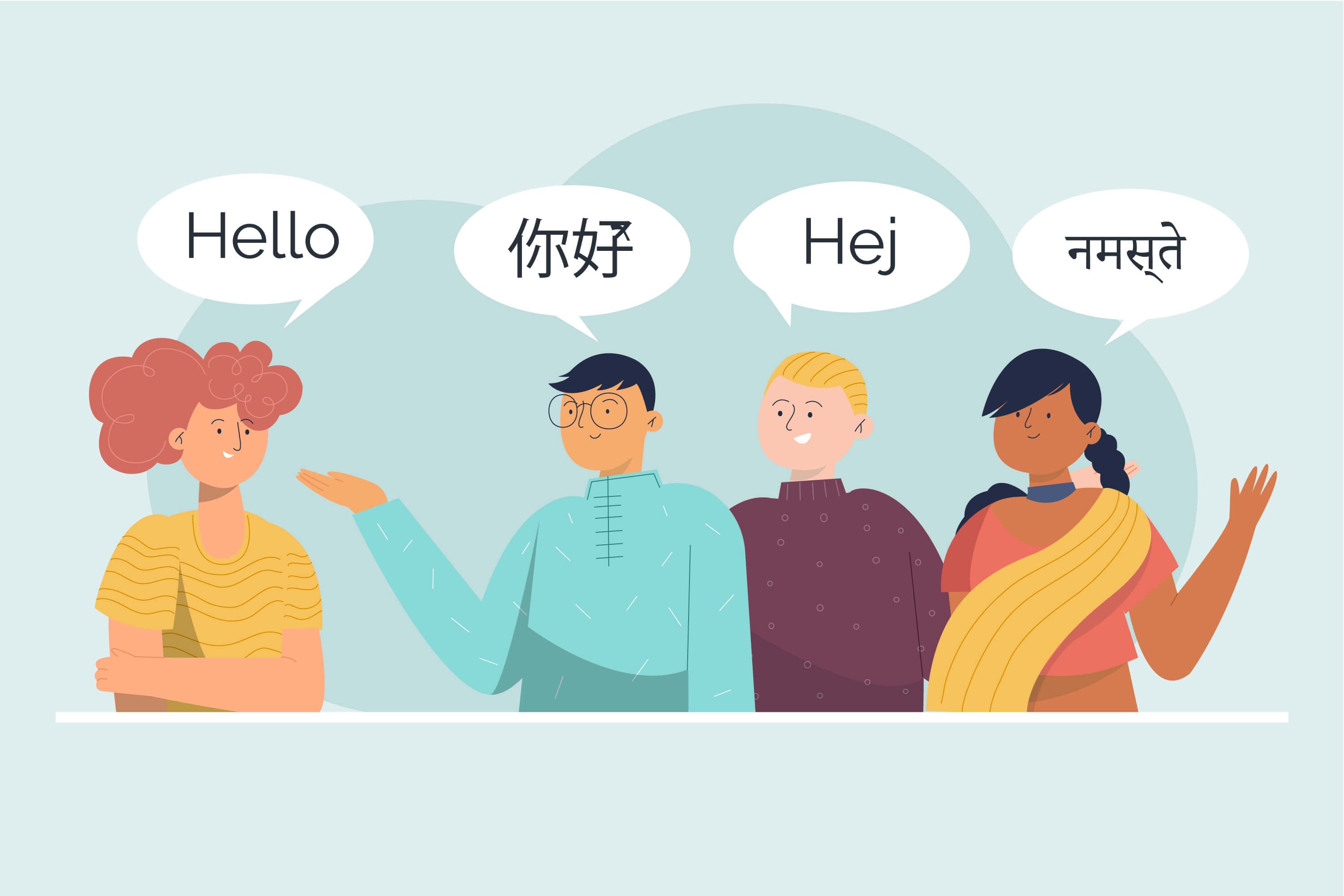
Multilingual to the core
Tested across hundreds of languages and dialects in one unified pipeline.
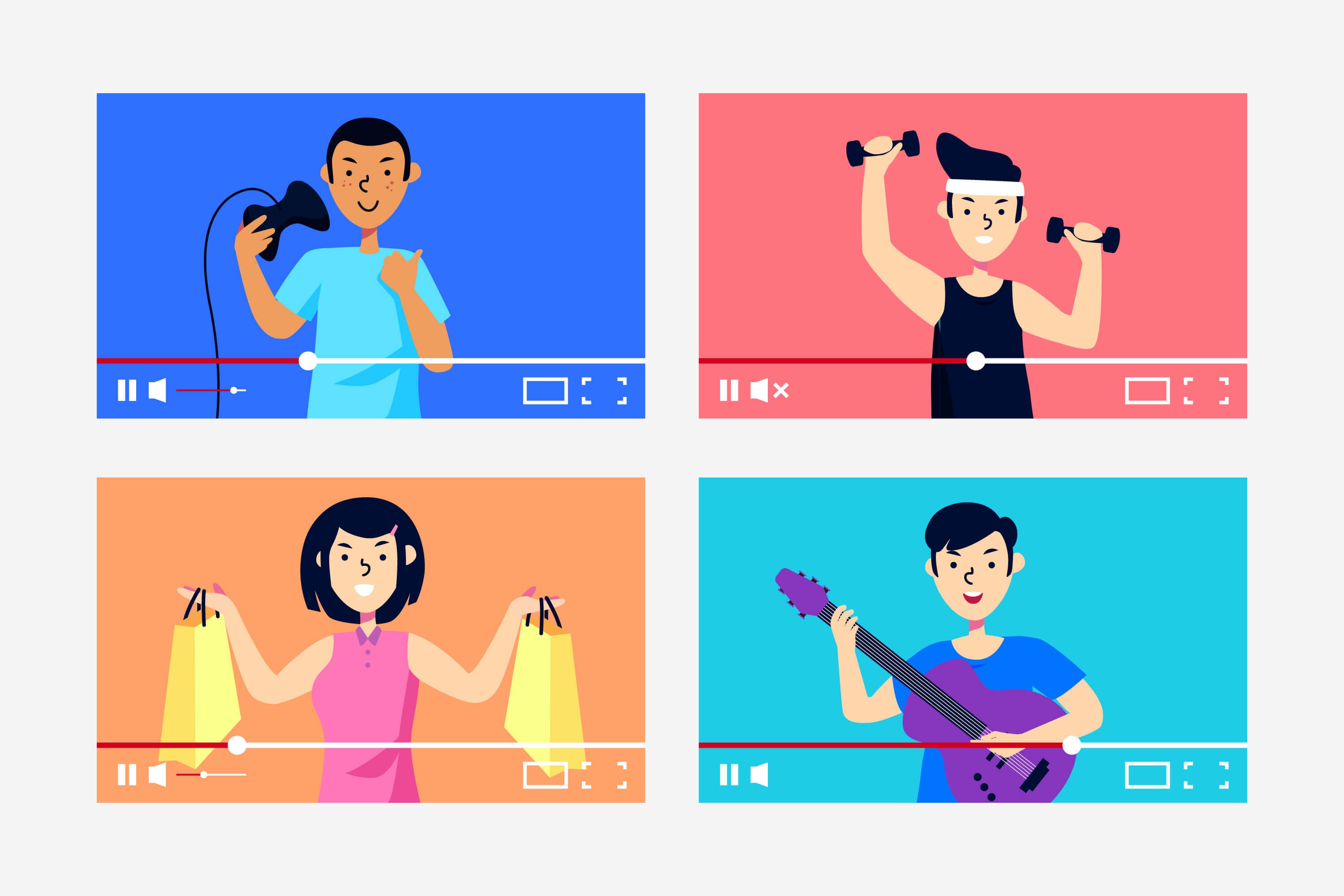
Infinite-length generation
Render up to 600s per pass, then batch and stitch into longer episodes while keeping motion continuous.

Beyond lip sync: sparse-frame, whole-frame dubbing
Not just the mouth: audio drives lips, head motion, posture and micro‑expressions from a few keyframes.

Fast, high-quality outputs for any platform
480p / 720p outputs with crisp timing and identity stability that benchmark well against recent systems.
Under the Hood — Infinite Talk AI (Technical Notes)
Phoneme‑aware alignment
Speech cues map to visemes, head timing and posture so articulation stays crisp.
Keyframe sampling
Keyframes land on important beats while in‑betweens stay smooth and expressive.
Memory‑aware windows
Overlapping context windows cut visible joins without flattening motion.
Prompt‑driven style
Prompts and clarity switches control expression range and stabilization.
Latency & throughput
The pipeline is tuned for predictable latency and batch‑friendly rendering.
Learn more about AI lip sync & talking photos
Want a practical, non-technical guide to using Infinite Talk AI in your own workflow?

How to Make a Photo Talk with AI
Step-by-step guide to turn a single picture into a lip-synced talking video using Infinite Talk AI.

What Sparse-Frame Video Dubbing Really Means
Plain-language breakdown of how keyframes, audio, and streaming generation work together.

From Talking Photos to Long-Form Dubbing
How the same engine scales from single-image talking heads to episode-length content.

Benchmarking Infinite Talk AI
See how lip sync, identity, and motion compare to other dubbing systems.
Frequently AskedQuestions

Ship courses, demos, and episodes faster.
Start free, adjust clarity and prompts as needed, and build your production pipeline with Infinite Talk AI.